MarkdownPoint Help
Get started
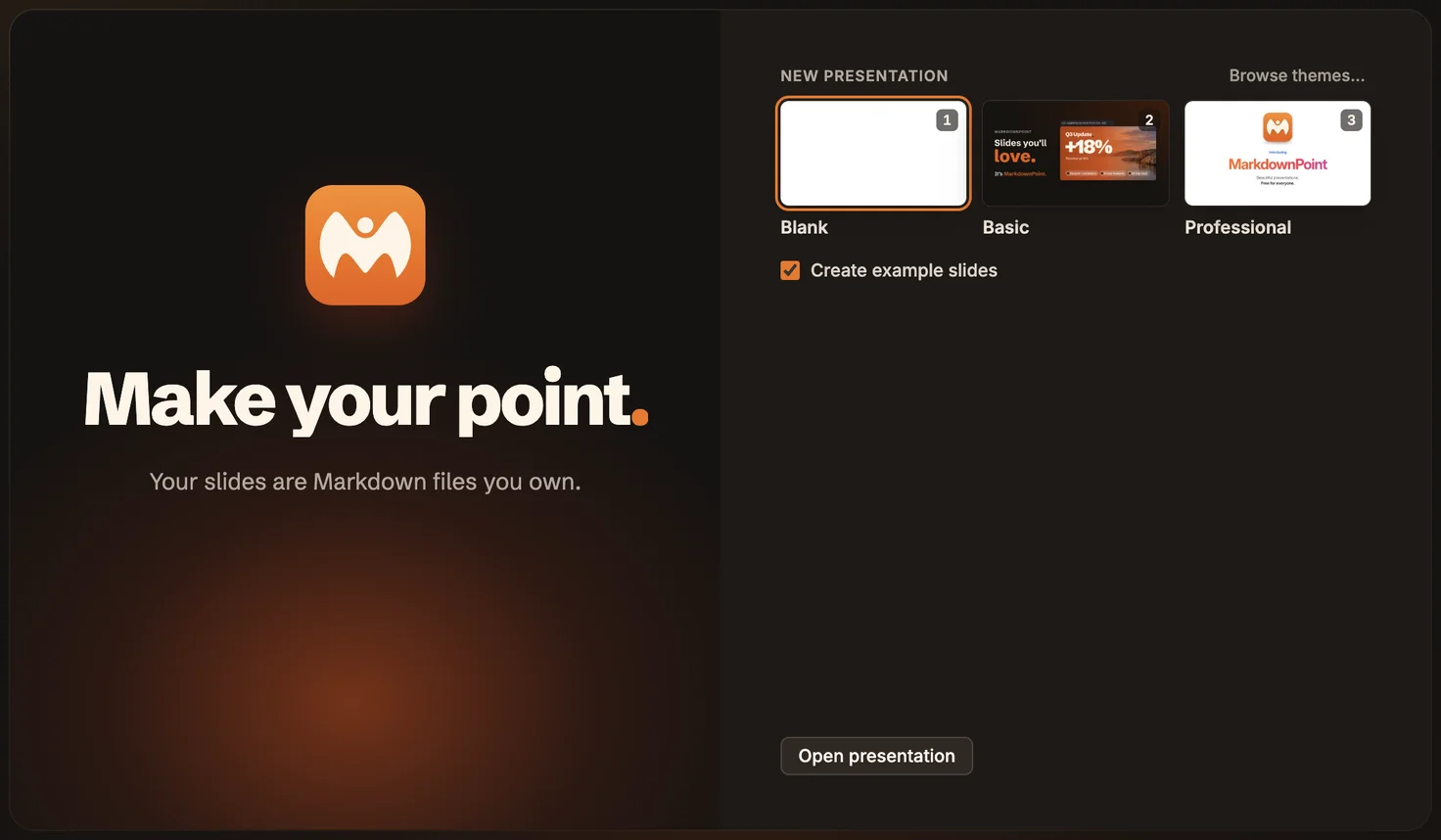 Make your first presentation
Themes
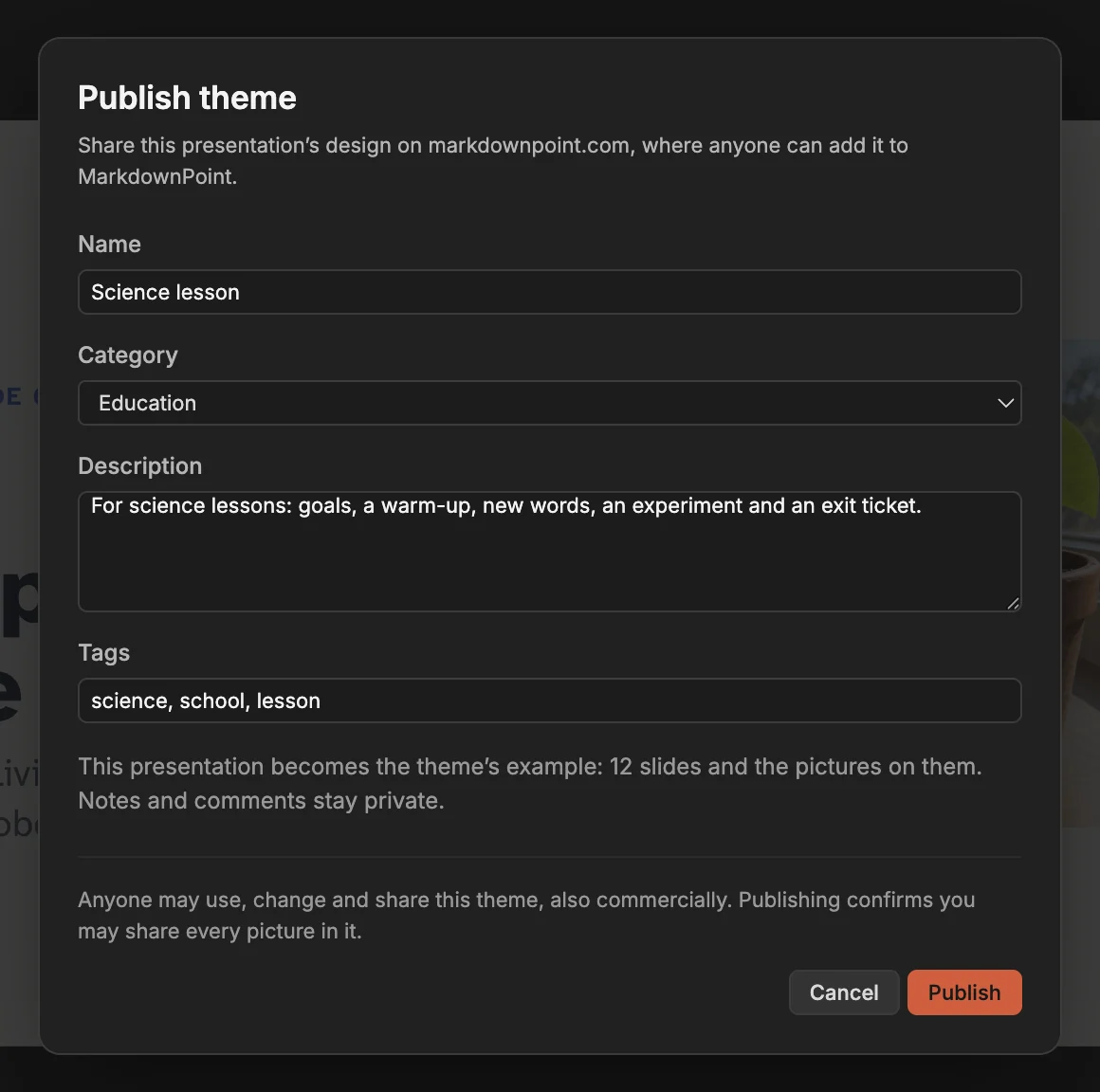 Publish your design as a theme
Animate
 Make text appear one by oneBring a list in one point per click, or let a sentence arrive word by word or line by line, with the Animate tab.
 Move objects between slides with Magic MoveDuplicate a slide, change where things are, and Magic Move animates every object from one slide to the next. It works like PowerPoint’s Morph.
Code
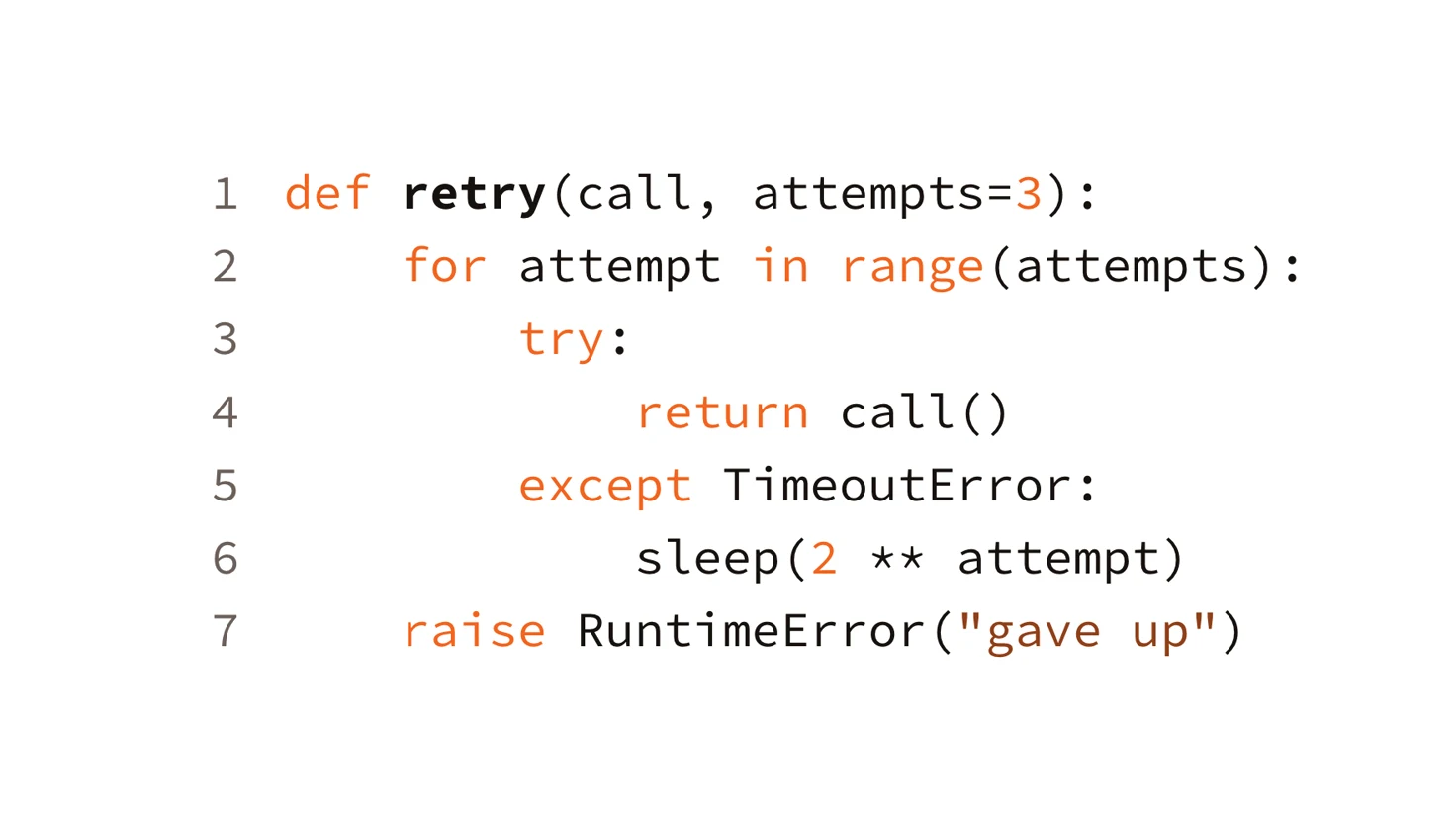 Put code on a slide with syntax highlighting
Agents
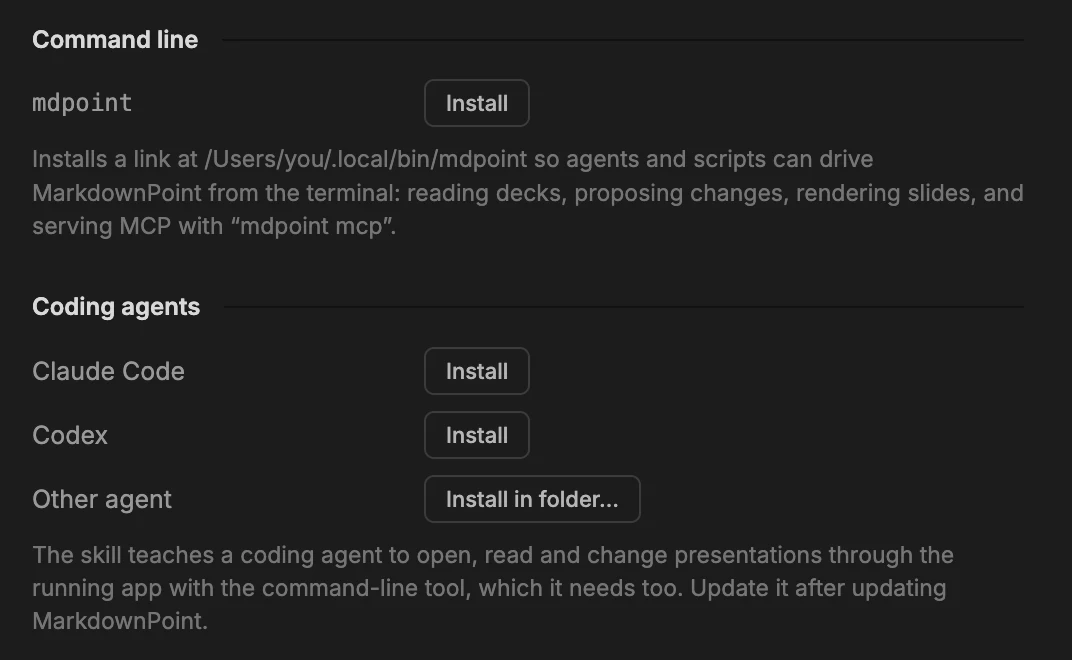 Connect an AI agent to MarkdownPointLet Claude Code, Codex, Claude Desktop, Cursor and other AI agents open, change, render and export your presentations through the mdpoint command and its MCP server.
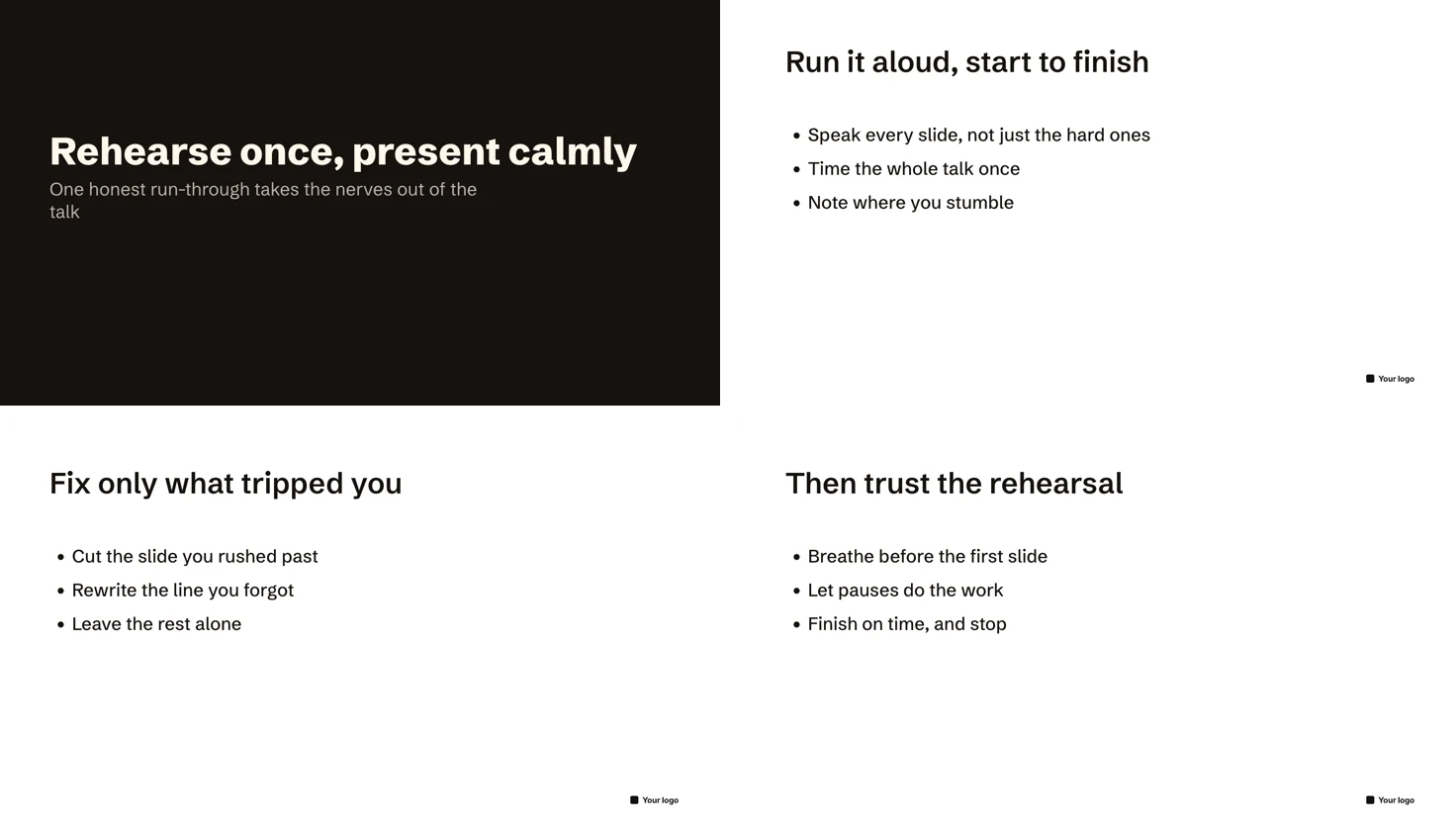 Create PowerPoint slides with Claude CodeAsk Claude Code to write a presentation in MarkdownPoint, check and refine every slide, then export an editable PowerPoint file to send anywhere.
Export
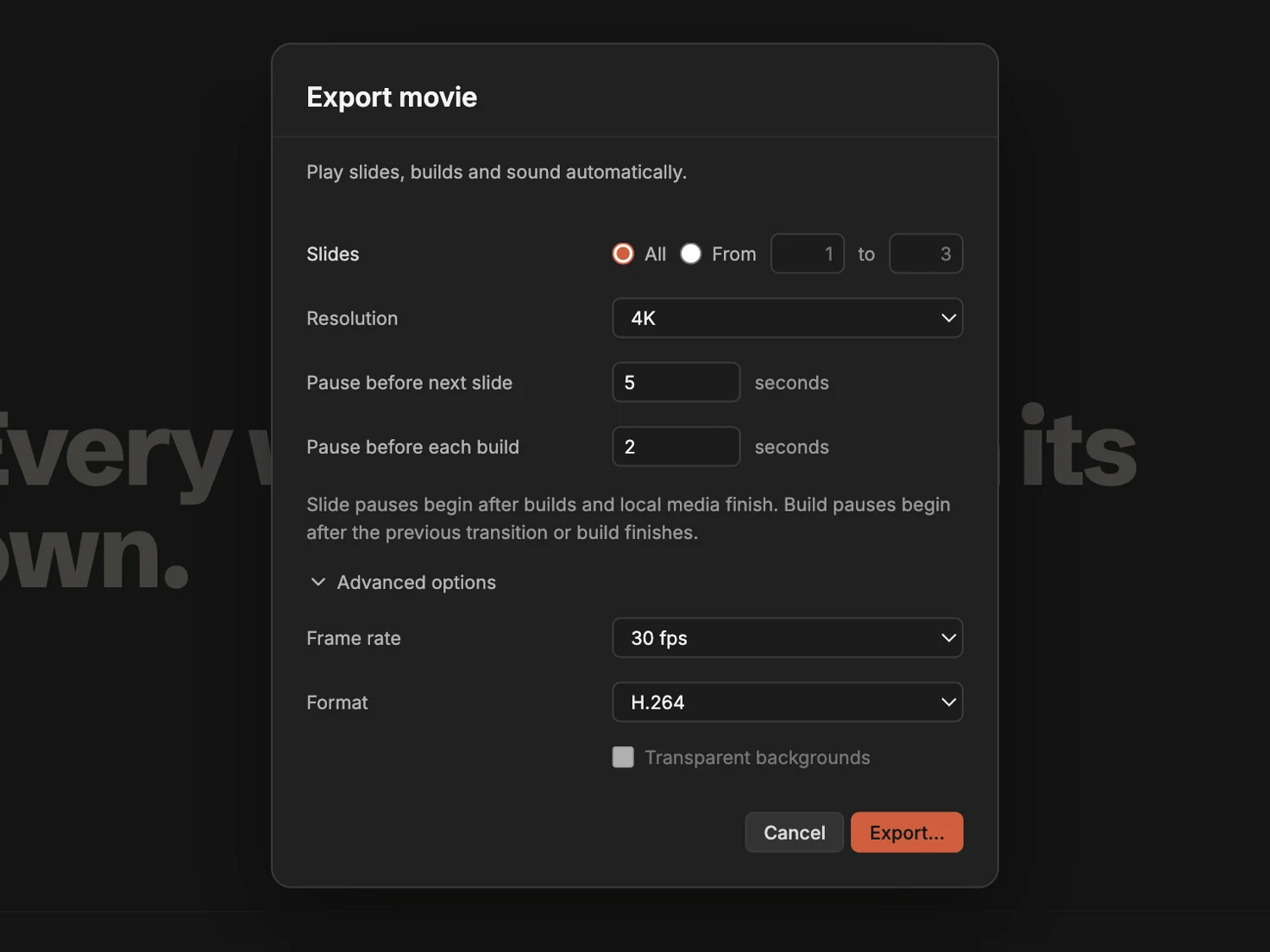 Turn a presentation into a 4K videoExport a presentation as an MP4 that plays its slides, builds, motion and sound by itself, in 4K, 1080p or 720p.
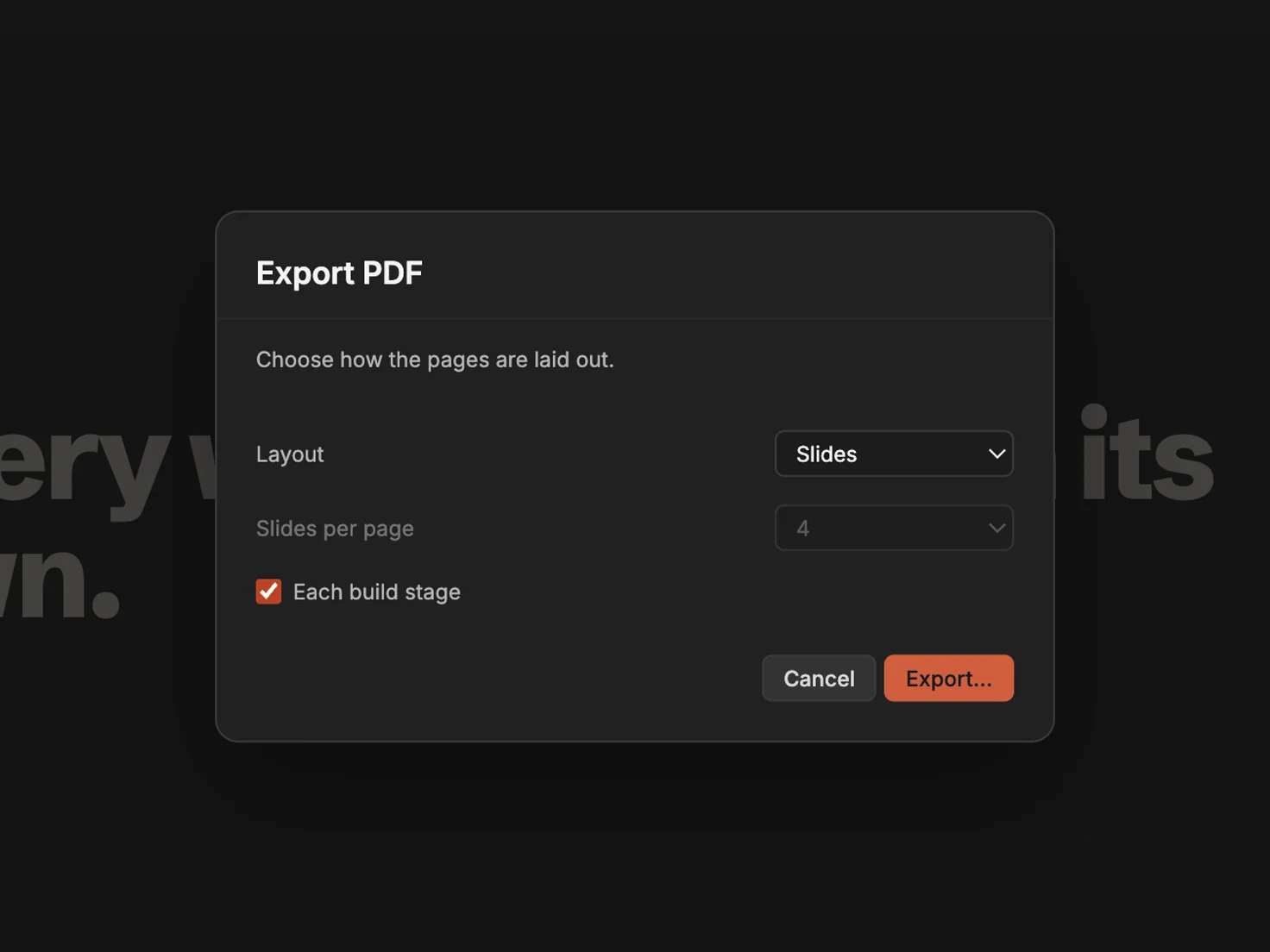 Export a PDF with each build on its own pageA PDF can’t play animations, but it can show every step. Export a page for each stage of a slide’s builds, or slides with their notes, or handouts.
Can’t find what you need? Ask on Discord or r/markdownpoint. To report a bug or request a feature, go to Feedback.